Giving Flows Projects Access to Spacelift Deploy
Rules for accessing Spacelift Deploy from Flows are managed on a Project-by-Project basis, by a Deploy account admin, on the Deploy side.
In the left sidebar, under "Integrate Services", you will find the "Flows" tab. Open it.
There, you will see a list of all Flows Projects in your account.
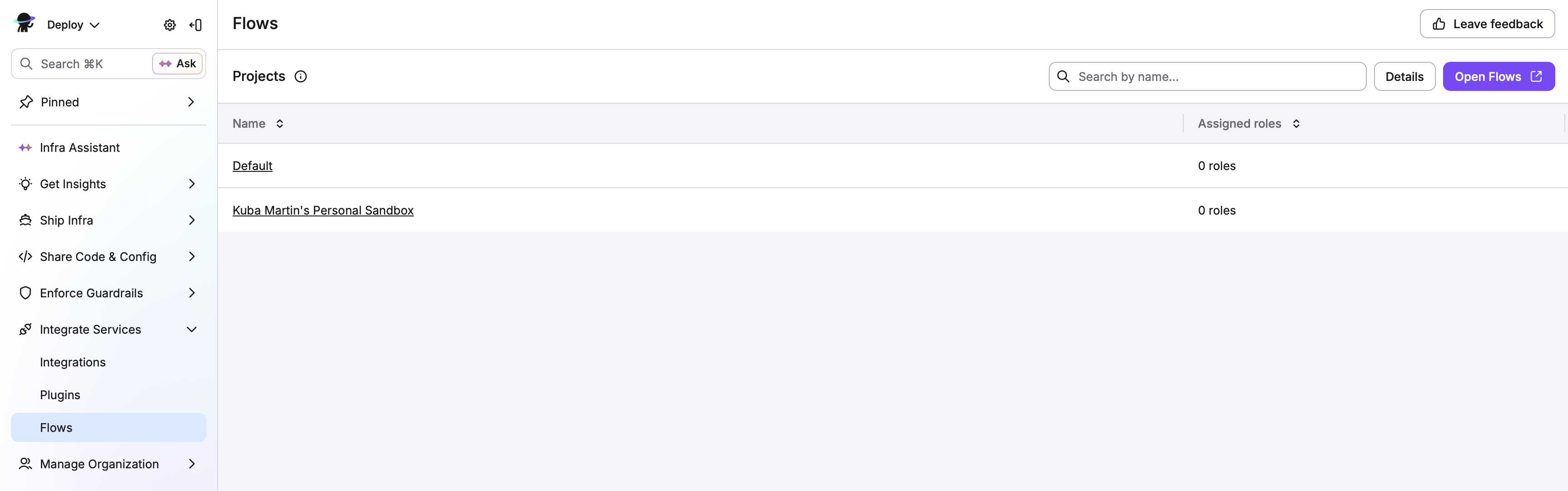
For each project you will be able to attach Deploy roles in specified Spaces.
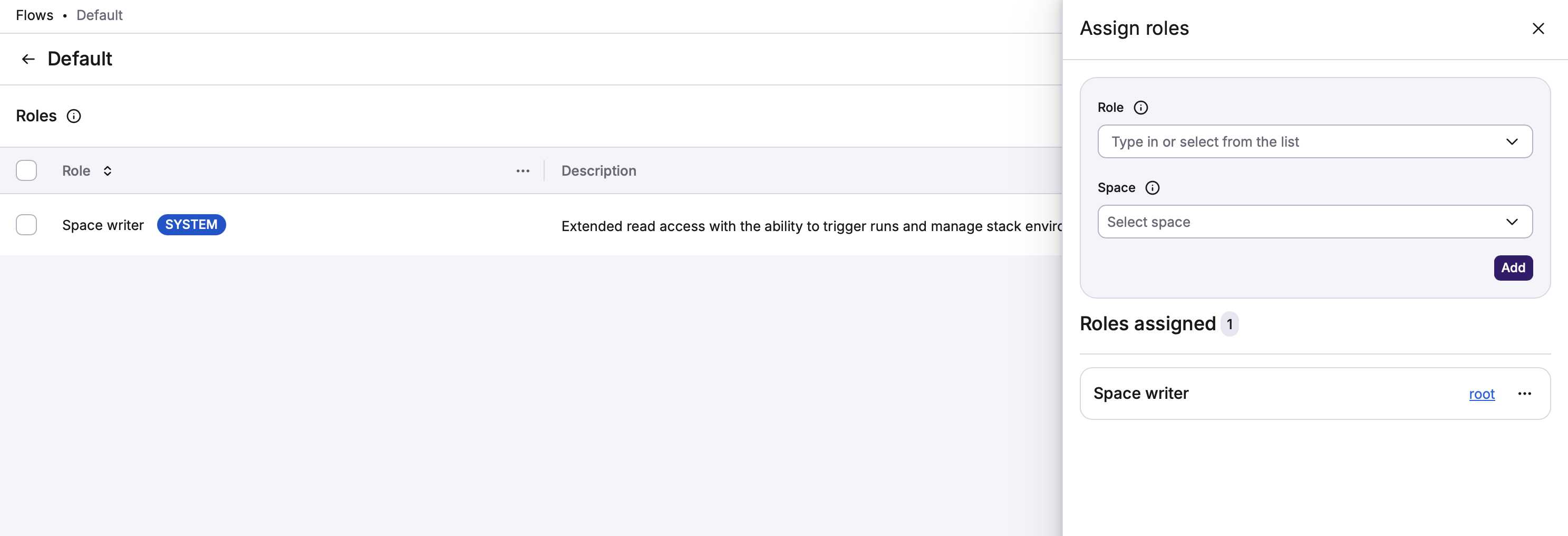
At a minimum, you will need to configure the Space reader role for the Spacelift App integration, so your Flows can "see" the Spacelift stacks.