Time Blocks
Time blocks provide timing functionality for your automations - triggering workflows on schedules or adding delays between operations.
Schedule Block»
Schedule blocks generate events on a time-based schedule without requiring input events. They serve as starting points for flows that run periodically or at specific times. Supported scheduling options include interval-based scheduling (every N seconds/minutes/hours) and cron expressions. Timezone configuration ensures schedules execute at the correct local time regardless of infrastructure location.
Configuration»
Frequency-Based Scheduling»
For simple interval-based scheduling:
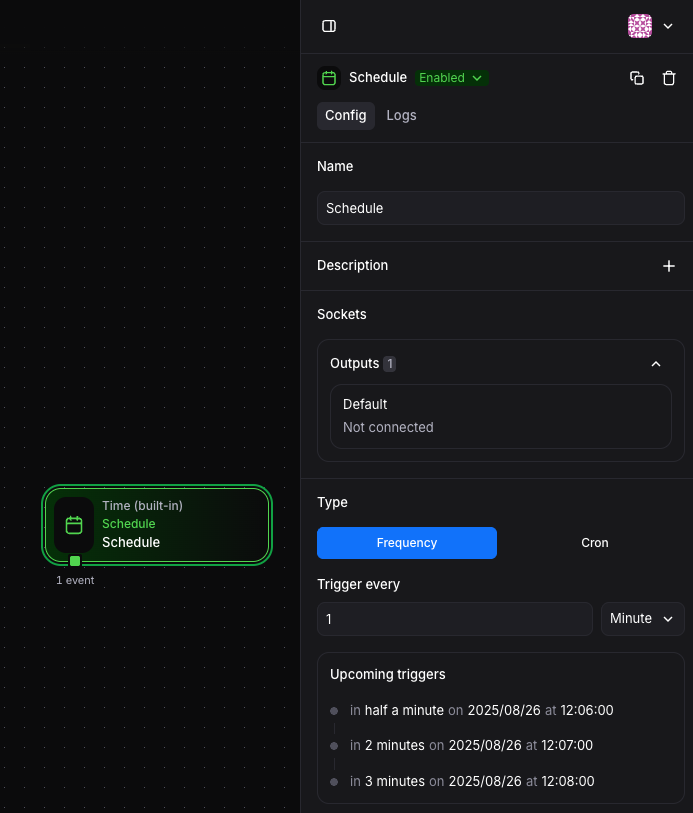
Available units:
- Seconds: High-frequency automations
- Minutes: Regular periodic tasks
- Hours: Less frequent operations
Example: Set to run every 30 minutes by selecting "Minutes" and entering 30.
Cron-Based Scheduling»
For complex scheduling requirements, use cron expressions:
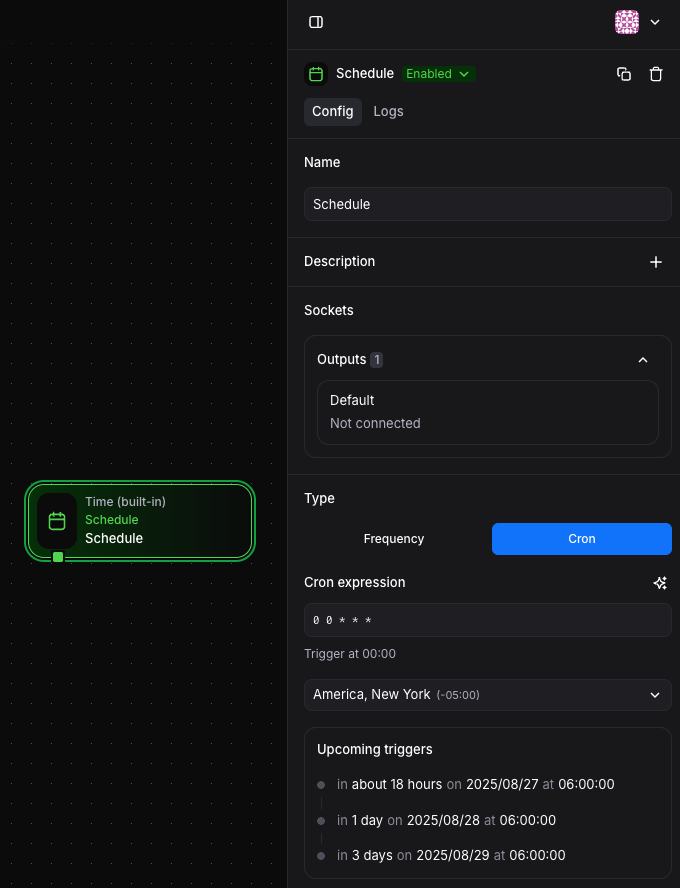
Common patterns:
"0 0 * * *"- Every day at midnight"0 9 * * 1-5"- Every weekday at 9 AM"*/15 * * * *"- Every 15 minutes"0 0 1 * *"- First day of every month at midnight
Sleep Block»
Sleep blocks introduce controlled delays into automation flows. They require input events and pause the processing of individual events for a specified duration. The delay can be a fixed number or calculated dynamically based on event data.
Configuration»
The Sleep block uses a field that evaluates to seconds to delay:
Fixed Delays»
1 | |
Dynamic Delays»
1 | |
Conditional Delays»
1 | |
This allows you to skip delays for high-priority events while adding delays for normal processing.